Guide15 min read

Where to Hire a Logo Designer in 2026: The Complete Guide

Finding the right person or tool to design your logo is one of the most important branding decisions you will make. With options ranging from five-dollar Fiverr gigs to ten-thousand-dollar agency retainers, the landscape is overwhelming. This guide cuts through the noise with honest, research-backed comparisons of every major option available in 2026, so you can find the right fit for your budget and business stage.

By LogoCrafter Team|Updated February 1, 2026
Where to Hire a Logo Designer in 2026: The Complete Guide

The Logo Design Landscape in 2026

The logo design market in 2026 falls into four broad categories, each with distinct trade-offs in price, quality, speed, and creative control.

  • Freelance Marketplaces (Fiverr, Upwork, Toptal) - Hire individual designers directly. Pricing ranges from bargain to premium depending on the platform and designer experience. You get one-on-one communication and (usually) custom work.
  • Design Contests (99designs, DesignCrowd) - Post a brief and receive dozens of submissions from competing designers. You pick the winner. More options upfront, but quality control is your responsibility.
  • AI Logo Makers (LogoCrafter, Looka, Canva, Tailor Brands) - Software generates logo concepts instantly based on your inputs. Costs range from free to under $65. Speed is unmatched, but customization depth varies widely between tools.
  • Agencies & Studios (Pentagram, local studios, boutique branding firms) - Full-service branding with strategy, research, and multiple concept rounds. The most expensive option, but you get a complete brand identity system, not just a logo file.

The right choice depends on your budget, timeline, and how critical brand identity is to your business at this stage. A pre-revenue side project has very different needs than a funded startup preparing for launch.

Below, we break down each option honestly.

Fiverr

Fiverr

Price: $5 - $500 (Fiverr Pro: $310 - $5,000)
Turnaround: 1 - 7 days
Best for: Budget-conscious startups, MVPs, side projects

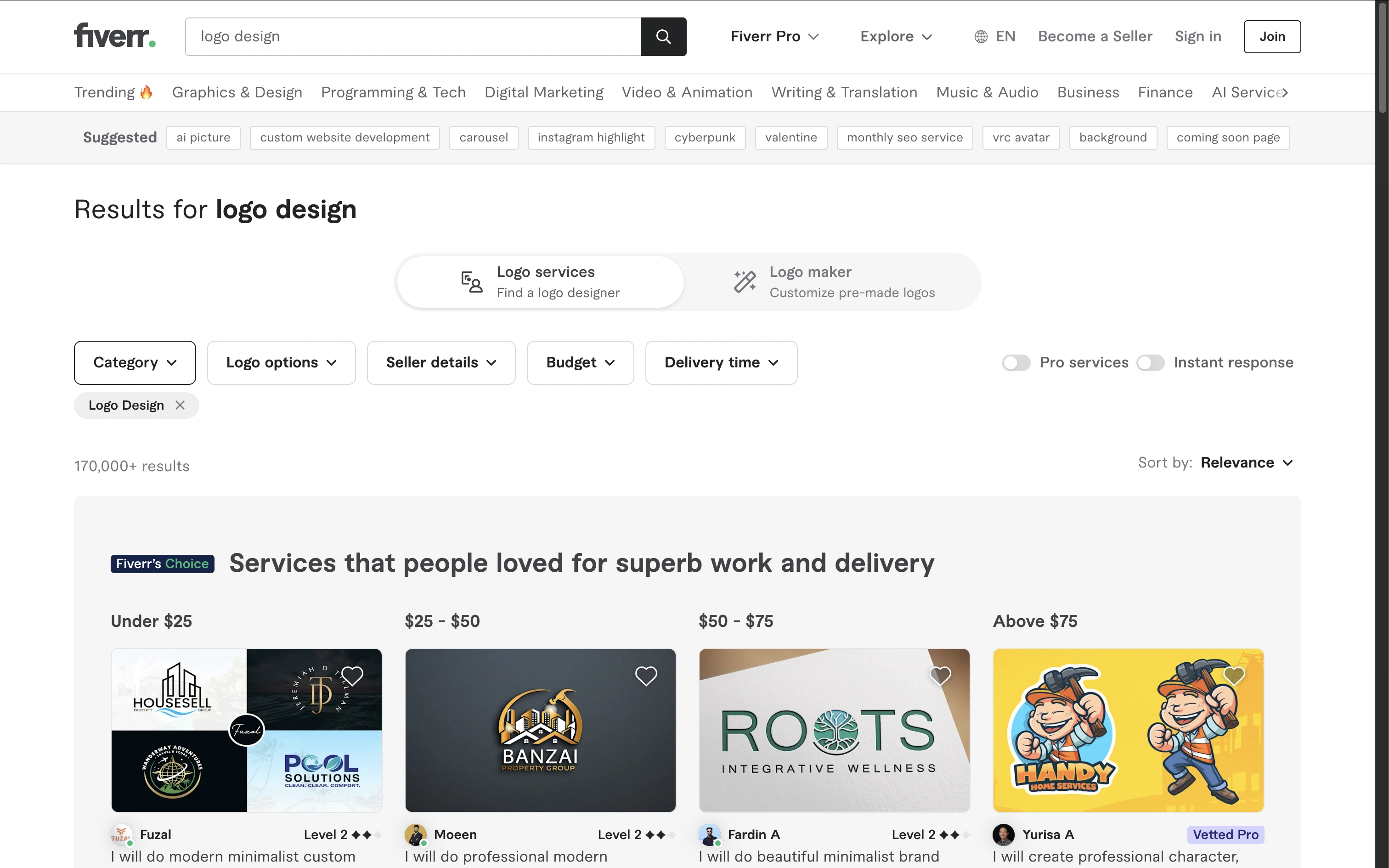
Fiverr logo design category page

Fiverr is the most popular freelance marketplace for logo design, and for good reason: the barrier to entry is incredibly low. You can browse thousands of designers, filter by budget and style, and have concepts in your inbox within days.

The quality problem: Fiverr's biggest weakness is consistency. The platform has virtually no quality floor. Many sellers use pre-made templates, stock icons, or even AI-generated output and pass it off as custom work.

You might receive a logo that looks great until you discover it is identical to three other businesses.

Reddit sentiment: Common complaints from Reddit threads include plagiarized or templated designs, missing vector files, unresponsive designers, logos lacking branding logic, and revision rounds that miss the brief entirely.

Cons

  • Plagiarized or templated designs that are not original
  • Delivery in JPG or PNG only, with no vector files (AI, EPS, SVG) unless you pay extra
  • Designers disappearing mid-project or becoming unresponsive after payment
  • Logos that look fine in isolation but lack any cohesive branding logic
  • Revision rounds that produce minimal changes or miss the brief entirely
Pro tip: Hire two designers simultaneously for the same brief and pick the stronger result. The combined cost is still often under $100. Always check the designer's portfolio for variety (if every logo looks the same, they are using templates). And always request vector source files upfront in the gig requirements.

Fiverr Pro is a separate tier with vetted designers and significantly higher prices. Quality is more reliable, but at $310+ you are approaching Upwork and Dribbble territory where you may get more value.

Upwork

Upwork

Price: $50 - $2,500+
Turnaround: 3 - 14 days
Best for: Businesses that want a professional working relationship with a vetted designer

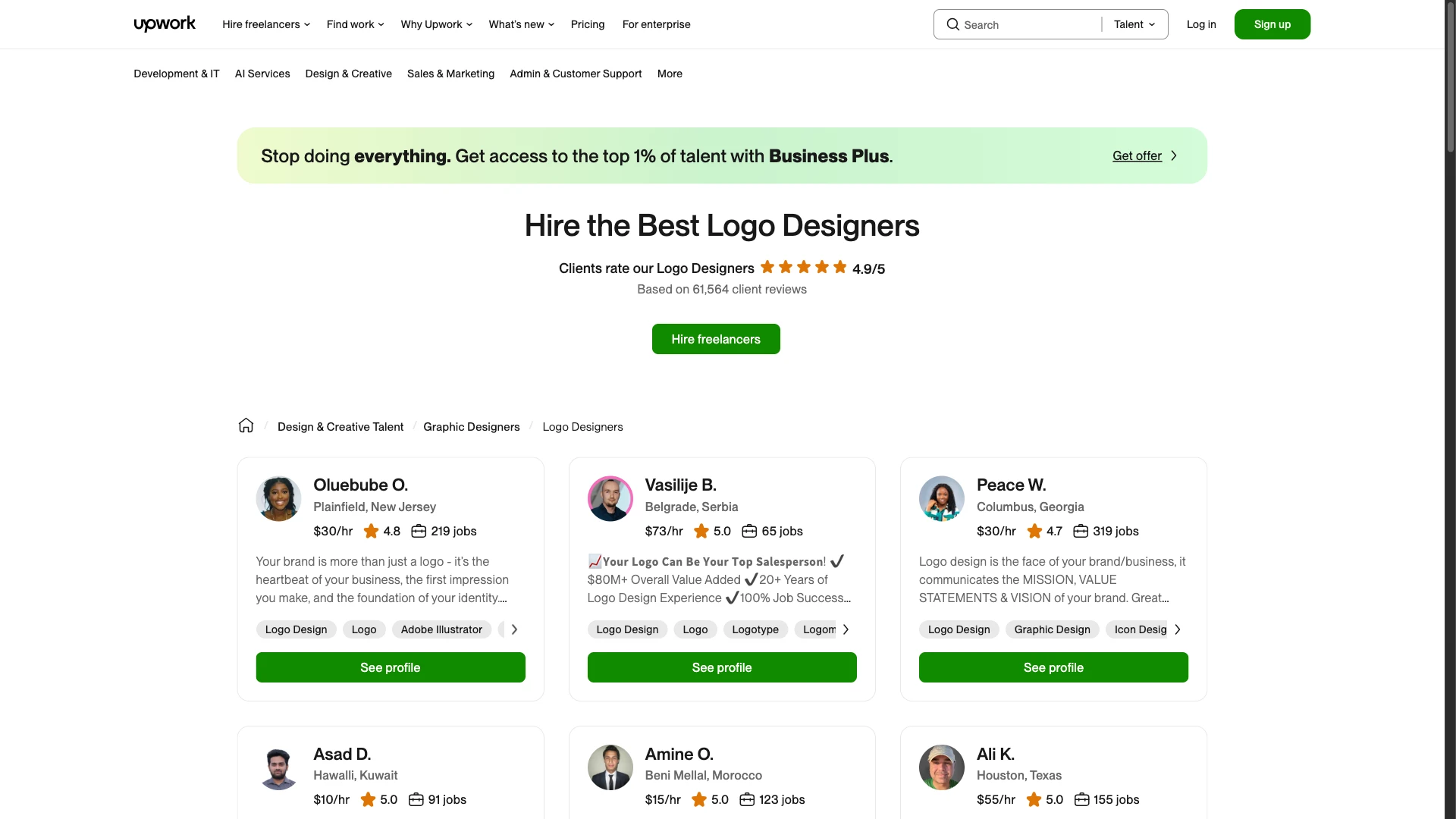
Upwork logo designers hiring page

Upwork positions itself a step above Fiverr in terms of professionalism. Designers on Upwork tend to have more experience, and the platform supports both hourly and fixed-price contracts with built-in milestone payments and dispute resolution.

Pros

  • Better vetting process with verified work history and client reviews
  • Hourly contracts with time tracking, so you can see exactly what you are paying for
  • Stronger protection for both clients and freelancers
  • Easier to build ongoing relationships for future brand work

Cons

  • Finding the right designer takes more effort since there is no simple gig-browsing interface
  • The proposal process can be slow, especially for smaller budgets
  • Upwork's service fees (up to 20%) are passed on to freelancers, which can affect who applies to your job
  • Many top designers have moved to Upwork's invite-only talent tiers, making them harder to access

Upwork works best when you have a clear brief and are willing to spend time reviewing proposals. For one-off logo projects under $200, Fiverr may be more efficient.

For larger branding projects or ongoing design needs, Upwork's structure pays off.

99designs (by Vista)

99designs (by Vista)

Price: $299 - $1,299 (Bronze to Platinum tiers)
Turnaround: 3 - 7 days for initial concepts
Best for: Businesses that want many design options to choose from

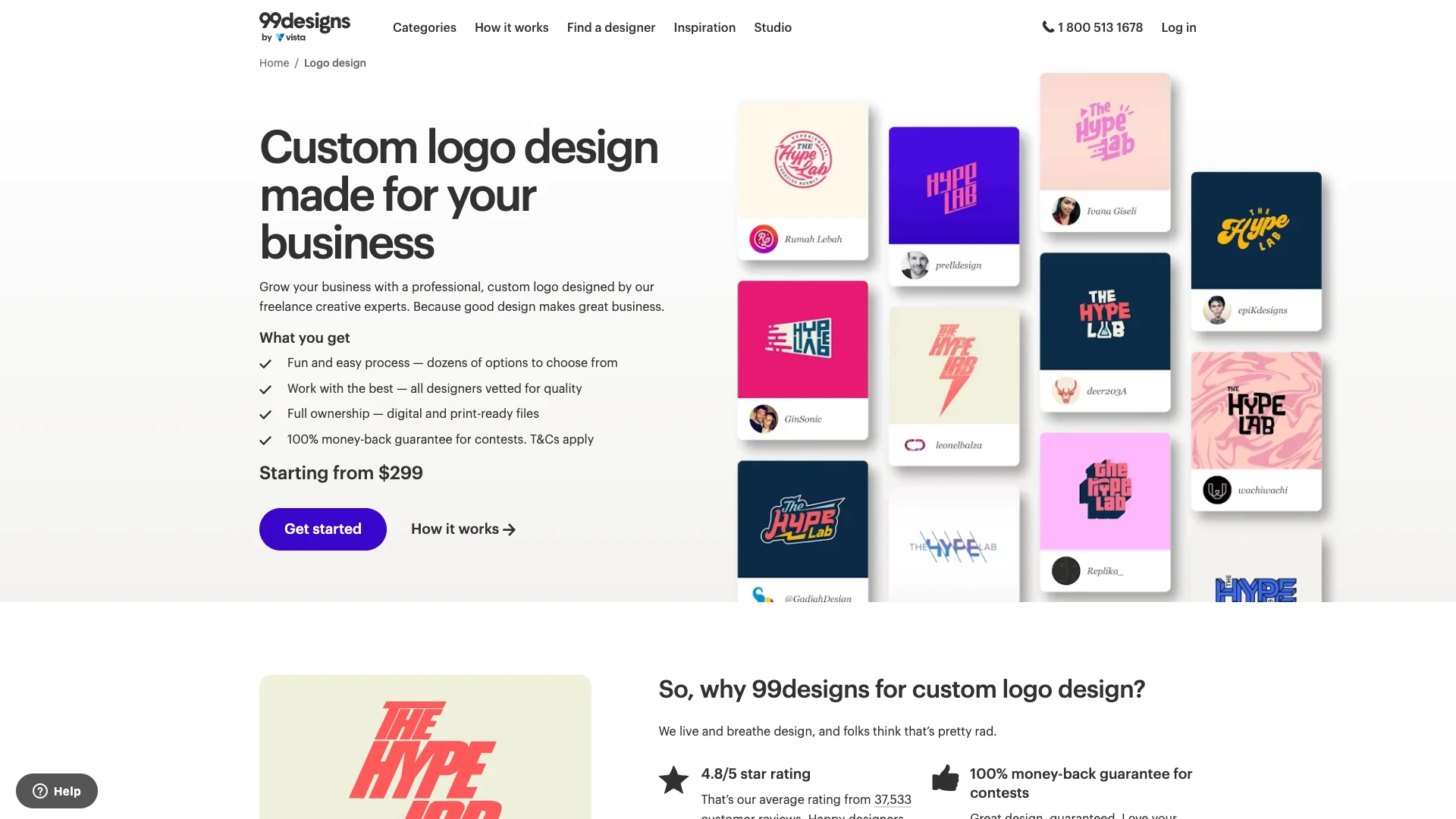
99designs logo design contest page

99designs uses a contest model: you post a design brief with a prize amount, and multiple designers submit concepts. You provide feedback, narrow down finalists, and pick a winner. Typical contests receive 40 to 100+ submissions.

How the tiers work:

  • Bronze ($299): Entry-level designers, fewer submissions, basic support
  • Silver ($499): Mid-level designers, more submissions, dedicated support
  • Gold ($899): Experienced designers, priority placement, 1-on-1 support
  • Platinum ($1,299): Top-tier designers, highest visibility, full brand identity package

Pros

  • Massive variety of design directions to evaluate
  • Money-back guarantee if you are not satisfied
  • You own full copyright to the winning design
  • Good for clients who are not sure what they want and need to see options

Cons

  • Plagiarism is a real risk since designers submit quickly and may cut corners
  • Top-tier talent tends to avoid contest platforms because they do not need to compete for work
  • You need to actively manage the contest by rating submissions and giving feedback
  • The contest model has been criticized as exploitative since dozens of designers work for free
Reddit sentiment: Opinions are split. Some business owners love the variety and say they received better results than expected. Others call it a race to the bottom that produces generic, derivative work. If you use 99designs, invest time in writing a thorough brief and actively participate in the feedback rounds.

Dribbble & Behance

Dribbble & Behance

Price: $300 - $5,000+
Turnaround: 1 - 4 weeks
Best for: Businesses that know what style they want and can evaluate portfolios

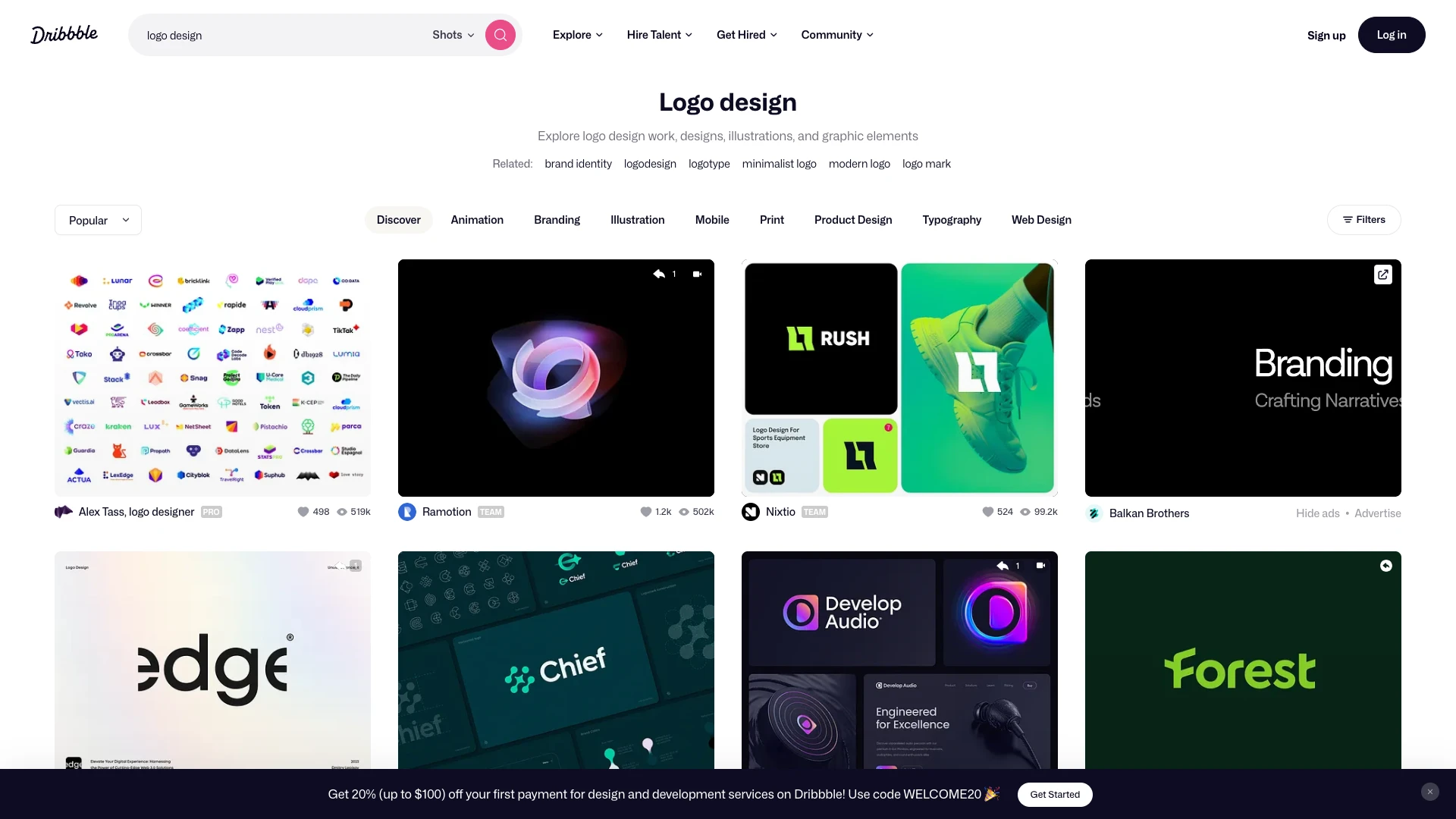
Dribbble logo design search results

Dribbble and Behance are not marketplaces in the traditional sense. They are portfolio platforms where designers showcase their best work. You browse, find someone whose style matches your vision, and reach out to hire them directly.

Pros

  • The quality floor is significantly higher because you are selecting based on proven work
  • You can see exactly what a designer is capable of before spending a dollar
  • Many designers on these platforms are full-time professionals or studio owners
  • Direct communication means no platform middleman taking a cut

Cons

  • Outreach takes effort since popular designers may not respond or may be booked months out
  • No built-in payment protection like Fiverr or Upwork offer
  • Pricing is less transparent because designers set their own rates
  • You need a good eye to distinguish genuinely talented designers from those who post highly polished mockups of mediocre work
Pro tip: Search by tags like "logo design," "brand identity," or "wordmark." Filter by location if you prefer working in the same time zone. Look for designers who show process work (sketches, iterations) alongside finished logos, as this indicates they do original custom work rather than templating. Send a concise message with your brief, budget range, and timeline.

AI Logo Makers (Looka, Canva, Tailor Brands)

AI Logo Makers (Looka, Canva, Tailor Brands)

Price: Free - $65
Turnaround: Instant
Best for: Quick placeholders, personal projects, very early-stage exploration

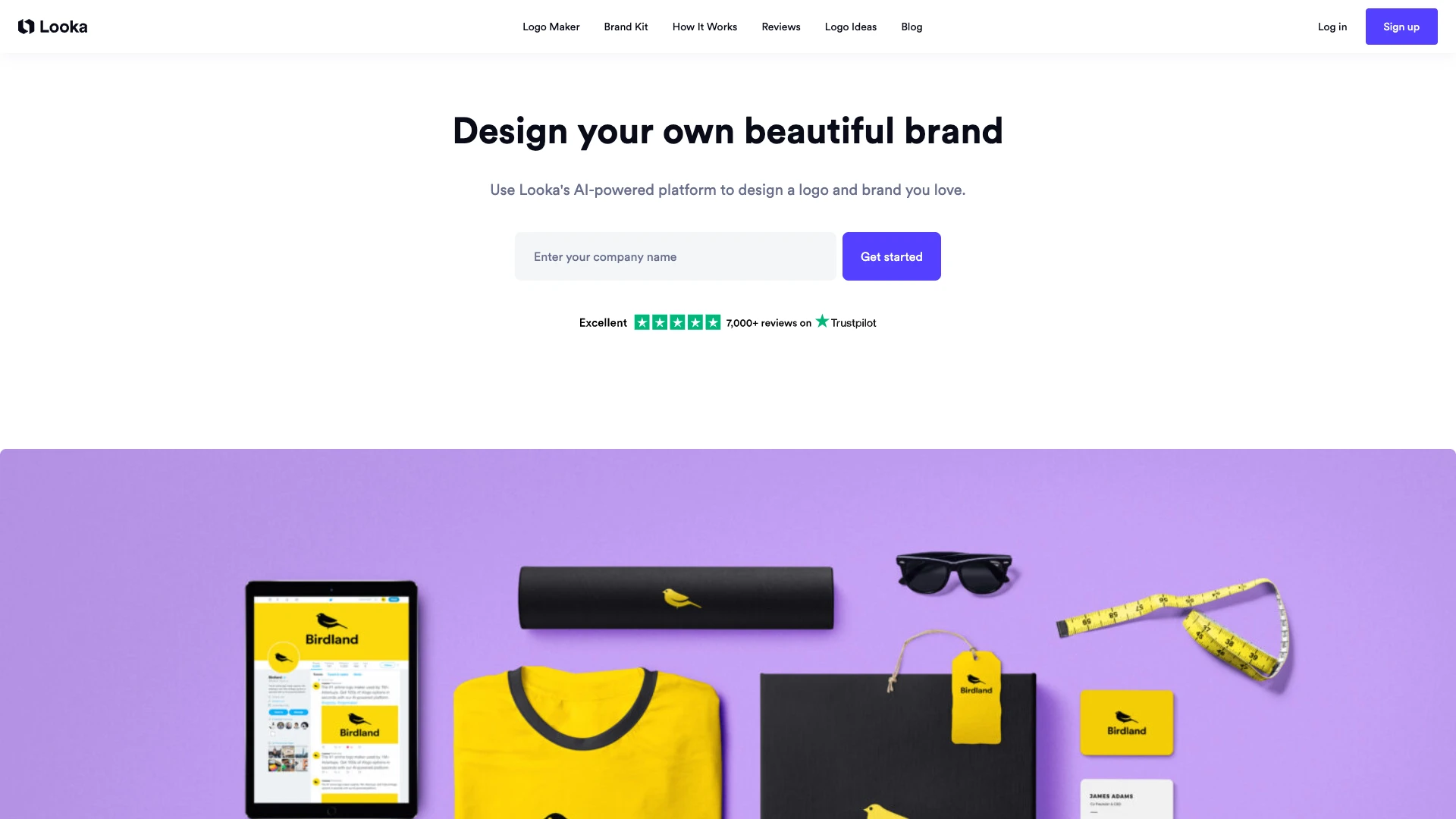
Looka AI logo maker homepage

AI logo generators have exploded in popularity, but the results vary dramatically. Here is an honest look at the biggest players:

Looka: Template-based engine that rearranges icons, fonts, and colors based on your preferences. Costs $20 for a low-res download or $65 for a full brand kit.

Common complaint: after generating 50+ logos, you start noticing the same patterns and icon combinations recycled endlessly. The output feels generic because it is recombination, not creation.

Canva: Offers a free logo maker as part of its design suite. Very basic drag-and-drop templates. Functional for a placeholder but rarely produces anything you would want as a permanent brand mark. The free tier includes Canva branding on exports.

Tailor Brands: Subscription model at $10 - $50 per month. Generates logos and basic brand materials. The most common complaint is aggressive auto-renewal practices and difficulty canceling. The logos themselves are serviceable but unmemorable.

Pros

  • Instant results with zero waiting
  • Very affordable or free to start
  • Good for brainstorming directions before hiring a designer

Cons

  • Generic output that may look similar to thousands of other businesses
  • Limited customization options for fine-tuning
  • Trademark concerns since you cannot always guarantee uniqueness
  • Most use template recombination, not true generative design
Reddit sentiment: A highly upvoted post on r/smallbusiness captured a common frustration with using general-purpose AI chatbots for logo design. Purpose-built logo tools produce better results, but most still rely on template libraries rather than genuine AI generation.

LogoCrafter (AI-Powered Logo Design)

LogoCrafter (AI-Powered Logo Design)

Price: Free to start (3 free credits), credit packs from $29.99
Turnaround: Under 60 seconds
Best for: Small business owners who want professional results without the agency price tag

LogoCrafter takes a different approach to AI logo design. Instead of shuffling templates, it uses AI generation tailored to your specific brand description.

You describe your business, choose your preferred style direction, colors, and fonts, and receive unique logo concepts designed around your inputs.

How it works:

  • Enter your brand name and a description of your business
  • Select style preferences: modern, vintage, minimalist, bold, elegant, and more
  • Choose color palettes and font styles
  • AI generates multiple unique logo concepts based on your specific inputs
  • Download high-resolution files ready for print and digital use

Pros

  • Designs are generated based on your brand description, not pulled from a template library
  • High-resolution downloads included, not locked behind premium tiers
  • Mockup generation lets you preview your logo on business cards, signage, and merchandise
  • Available on both iOS and Android for designing on the go
  • No subscription required. Buy credits as needed

Best use cases:

  • New businesses that need a professional logo quickly without a large design budget
  • Entrepreneurs exploring brand directions before committing to a designer
  • Small businesses that need quality results at a fraction of freelance or agency costs
  • Side projects and MVPs where speed and affordability matter most

LogoCrafter sits in a practical middle ground: more capable and customized than generic template-based tools, and far more accessible than hiring a professional designer.

For businesses that need a polished logo without spending hundreds or thousands of dollars, it fills a gap that freelance marketplaces and traditional AI tools leave open.

Design Agencies & Studios

Design Agencies & Studios

Price: $2,500 - $10,000+ (logo only, full brand identity packages can exceed $50,000)
Turnaround: 4 - 12 weeks
Best for: Established businesses, funded startups, and major rebrands

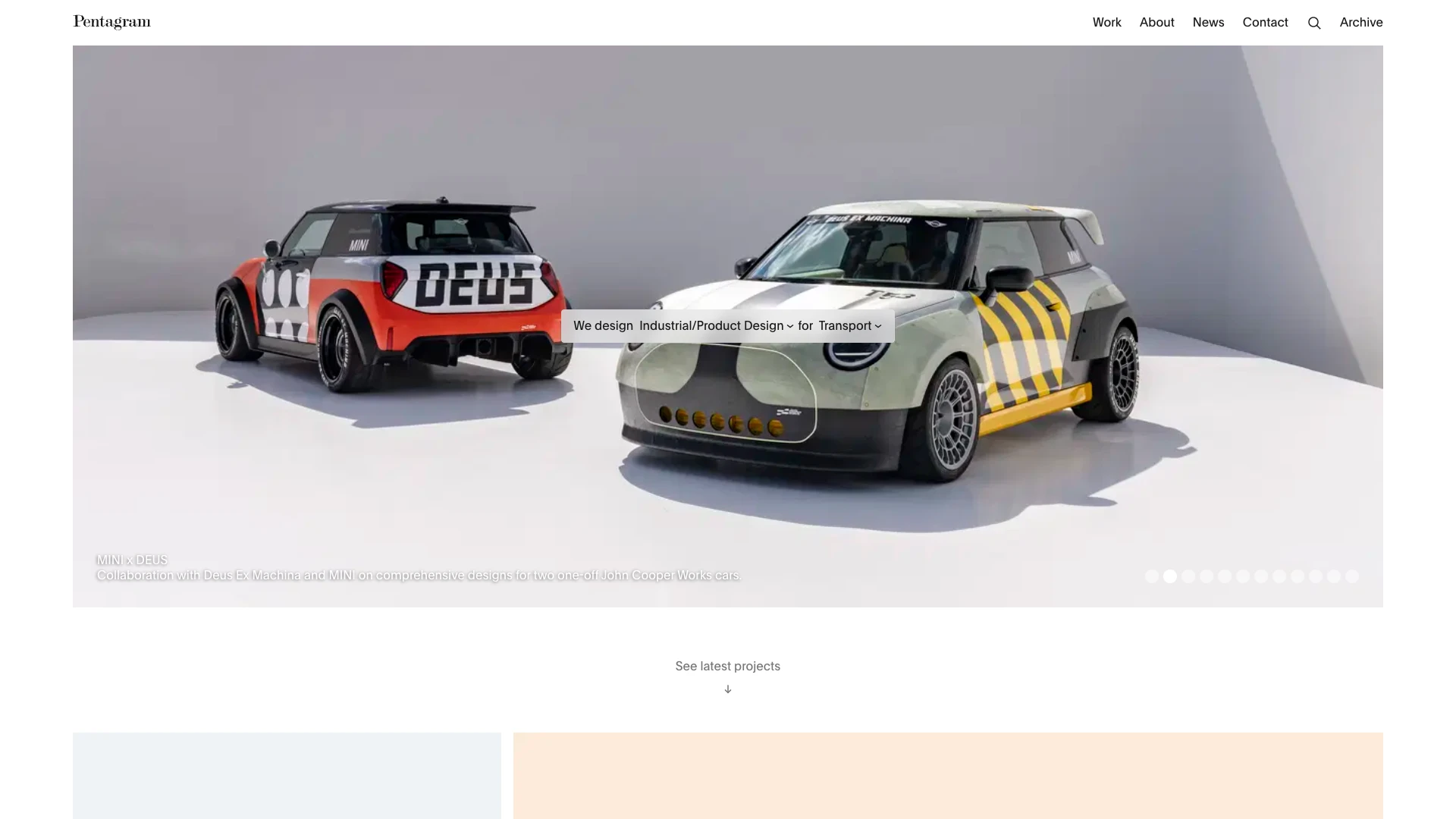
Pentagram design agency homepage

Design agencies offer the most comprehensive approach to logo and brand identity. A typical engagement includes brand strategy workshops, competitive analysis, multiple concept rounds with detailed rationale, and a complete brand guidelines document.

This covers typography, color usage, spacing rules, and application examples.

What you get at the agency level:

  • Strategic brand discovery and positioning research
  • 3 to 5 distinct concept directions with detailed presentations
  • Multiple revision rounds with senior designer involvement
  • Complete vector files in all standard formats (AI, EPS, SVG, PDF, PNG)
  • Brand guidelines document (often 20 to 50+ pages)
  • File variations for different backgrounds, sizes, and contexts

Cons

  • Price does not guarantee quality. Some businesses pay thousands for underwhelming results.
  • Some agencies use stock graphics or outsource to junior designers while charging senior rates
  • Timeline creep is common. A quoted 6-week project can easily stretch to 3 months.
  • Many agencies outsource to junior designers or overseas contractors while charging senior rates

Pros

  • Best for preparing for a major launch or rebrand with investor or public scrutiny
  • You get a complete brand system, not just a logo file
  • Ideal for industries where trust signals matter: finance, healthcare, legal, luxury
  • Includes strategy and research, not just visual design
Pro tip: Ask to see case studies with before-and-after results. Request references from past clients. Ask who specifically will be working on your project (not just who presents in the pitch meeting). And always get a detailed scope of work in writing before signing.

Quick Comparison

PlatformPrice RangeTurnaroundQuality FloorBest For
Fiverr$5 - $5001 - 7 daysVery LowMVPs, side projects, tight budgets
Upwork$50 - $2,500+3 - 14 daysLow - MediumOngoing design relationships
99designs$299 - $1,2993 - 7 daysLow - MediumExploring many directions
Dribbble / Behance$300 - $5,000+1 - 4 weeksMedium - HighKnown style preferences
AI Logo MakersFree - $65InstantLowPlaceholders, exploration
LogoCrafterFree - $29.99+Under 60 secondsMediumSmall businesses, fast professional results
Design Agencies$2,500 - $10,000+4 - 12 weeksMedium - HighFunded startups, rebrands

How to Choose the Right Option

The best option depends on two factors above all else: your budget and your business stage. Here is a practical decision framework:

Under $50: AI tools

  • Use LogoCrafter for AI-generated logos tailored to your brand description
  • Good enough for MVPs, side projects, and early-stage testing
  • You can always upgrade later as revenue grows

$50 - $500: Fiverr (vetted) or Upwork

  • Hire a freelancer with a strong portfolio and verified reviews
  • Request vector source files and at least 2 revision rounds in your brief
  • Consider hiring 2 designers on Fiverr and picking the better result

$500 - $2,500: Dribbble/Behance freelancers or 99designs

  • At this budget, you can attract genuinely talented designers
  • Dribbble is better if you know what style you want
  • 99designs is better if you want to explore many directions

$2,500+: Design agencies

  • Invest here when brand perception directly impacts revenue
  • Best for industries where trust signals matter: finance, healthcare, legal, luxury
  • Make sure you are paying for strategy, not just a pretty logo file

Other factors to consider:

  • Vector files: Always require AI, EPS, or SVG files. If a designer only delivers JPG or PNG, you will have problems scaling your logo for print, signage, or merchandise.
  • Brand guidelines: If you plan to hire other designers or marketers later, a basic brand guide (colors, fonts, spacing, usage rules) saves enormous time and prevents inconsistency.
  • Trademark protection: If you plan to trademark your logo, you need to ensure it is original. AI-generated logos and contest-sourced designs carry higher risk of similarity to existing marks. Consider a trademark search before finalizing any logo.
  • Timeline: If you need a logo this week, your realistic options are AI tools or Fiverr. Agencies and Dribbble designers typically need weeks or months.

Key Takeaways

There is no single best place to hire a logo designer. The right choice depends entirely on where your business is today and what you need from your brand identity. If you are just starting out and need something professional fast, AI tools like LogoCrafter deliver surprisingly strong results for a fraction of the cost. If you have a few hundred dollars and want custom human-designed work, vetted freelancers on Fiverr, Upwork, or Dribbble are excellent options. And if you are building a brand that needs to command trust and compete at the highest level, a reputable design agency is worth the investment. Whatever you choose, remember that a logo is just one piece of your brand. The best logo in the world will not save a bad product, and a simple, well-executed logo will not hold back a great one. Focus on clarity, originality, and getting the right files, and you will be in strong shape.

Frequently Asked Questions

How much does a professional logo cost?

Professional logo costs range from under $50 with AI tools to over $10,000 with top agencies. The most common range for freelance designers is $200 to $2,500. AI-powered tools like LogoCrafter start free and offer credit packs from $29.99. The right budget depends on your business stage, industry, and how critical brand perception is to your revenue.

Is it worth paying for a professional logo designer?

It depends on your business stage. For a side project or MVP, an AI-generated logo is perfectly adequate and lets you invest your budget elsewhere. For a business where brand trust directly impacts sales, such as finance, healthcare, or luxury goods, a professional designer provides strategic thinking and originality that AI tools cannot fully replicate. The key is matching your investment to the value brand perception creates for your specific business.

Can I trademark an AI-generated logo?

Trademark law for AI-generated content is still evolving. In most jurisdictions, you can trademark a logo based on its use in commerce regardless of how it was created, but you may face challenges proving originality. The bigger practical risk is that AI tools may generate similar designs for multiple users, which could create conflicts. If trademark protection is important, consider running a trademark search before finalizing any logo, whether AI-generated or human-designed.

What file formats should I receive from a logo designer?

At minimum, you should receive vector files (AI, EPS, or SVG) and high-resolution raster files (PNG with transparent background). Vector files are essential because they scale to any size without losing quality, which you need for print, signage, and merchandise. You should also receive variations: full color, single color, black, white, and reversed (light logo for dark backgrounds). If a designer only delivers JPG files, that is a red flag.

How many revision rounds should I expect?

Most freelance logo projects include 2 to 3 revision rounds. Agency projects typically offer 3 to 5 rounds. On Fiverr, basic gigs often include zero or one revision, with additional rounds costing extra. Before hiring anyone, confirm the number of included revisions in writing. Be aware that revisions mean refinements to an approved direction, not completely new concepts. If you need to restart from scratch, that usually counts as a new project.

Should I hire locally or online?

For most businesses, hiring online gives you access to a much larger talent pool at more competitive prices. The design process works well remotely since deliverables are digital files. However, local designers can be valuable if you want in-person collaboration, need someone who understands your local market deeply, or prefer to build a long-term relationship with a nearby creative partner. The quality of the designer matters far more than their physical location.

You Might Also Like

Create Your Professional Logo

Skip the hassle and create a professional logo in seconds with LogoCrafter AI. No design skills needed.

Download LogoCrafter